Creating a Job Template | VIAVI StrataSync
0:53
Description
Related Videos
Follow these simple steps to create a Job Template for use on VIAVI OTDRs - making it faster and simpler than ever to complete your fiber testing.
View More
View Less
Related Videos
In OTDR
-
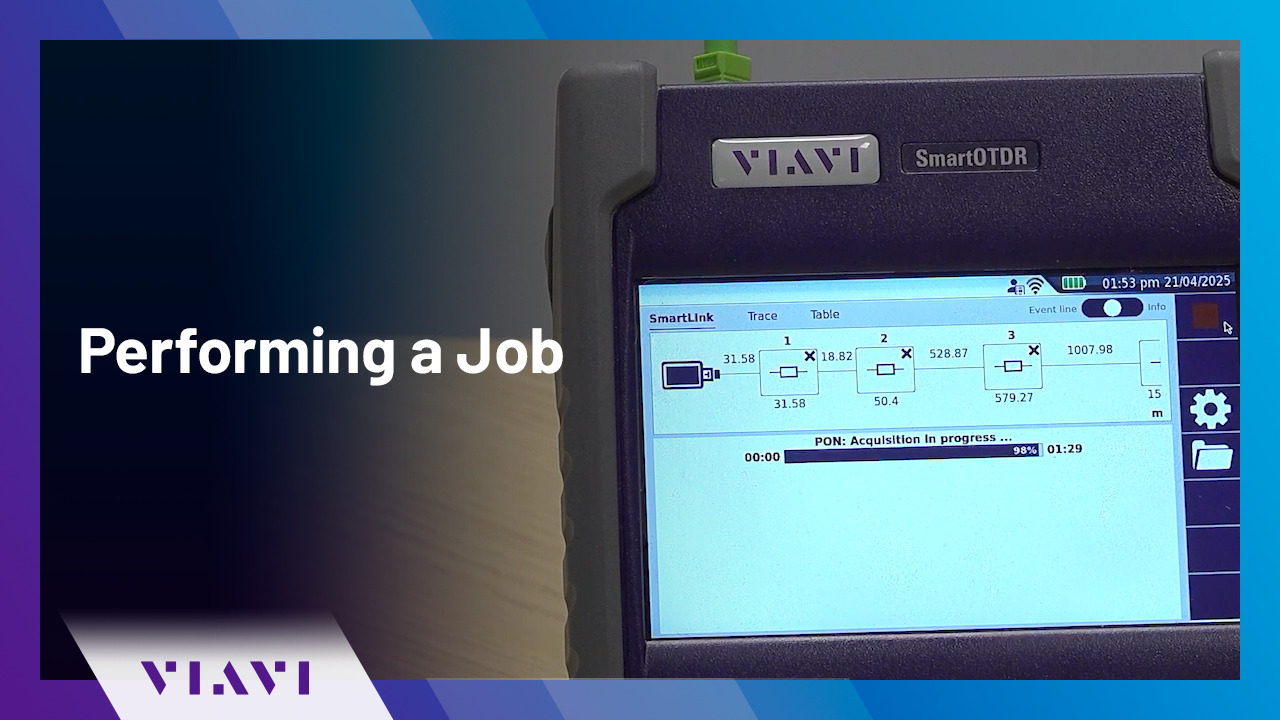
Play video Performing a Job | VIAVI StrataSync
Performing a Job | VIAVI StrataSync
Once you have been assigned a job, follow the simple steps in this video to receive the job information and perform the required tests, then transmit the results.
1:15
-
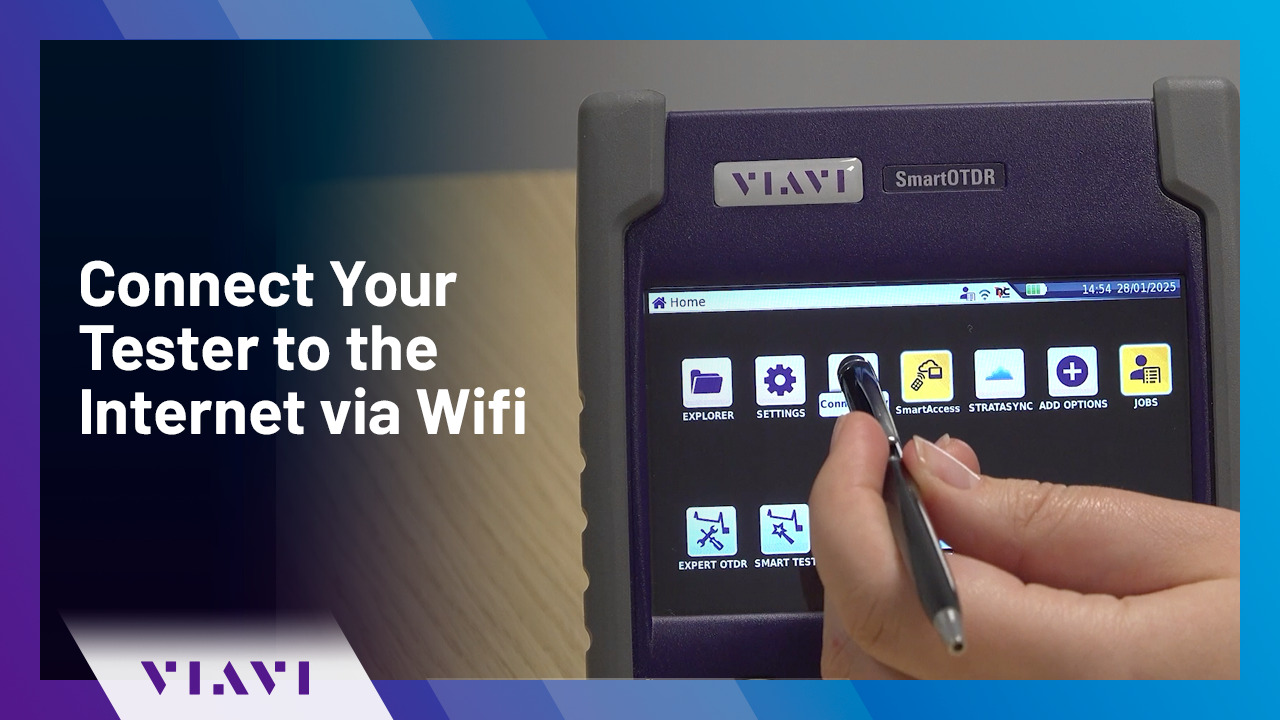
Play video Connect Your Tester to the Internet via Wifi | VIAVI StrataSync
Connect Your Tester to the Internet via Wifi | VIAVI StrataSync
Follow these simple steps to connect your VIAVI OTDR tester to the interview via Wifi - enabling you to connect to VIAVI StrataSync.
1:08
-
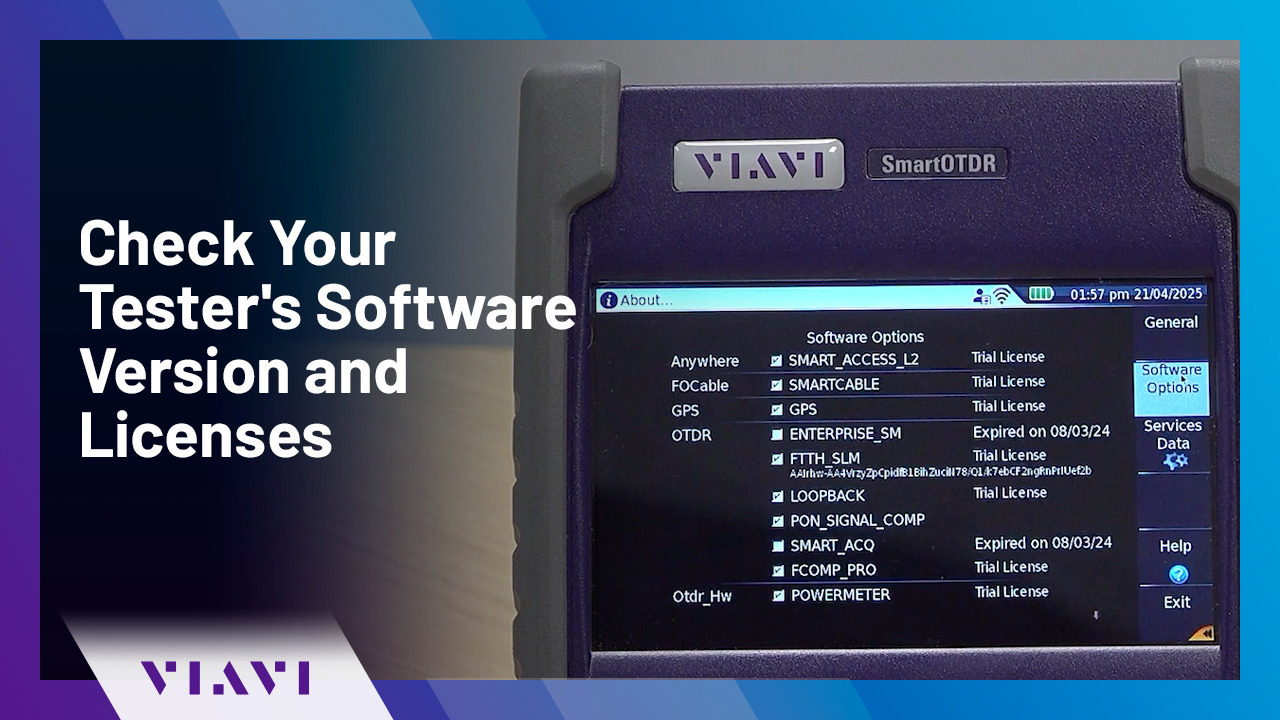
Play video Check Your Tester's Software Version and Licenses | VIAVI StrataSync
Check Your Tester's Software Version and Licenses | VIAVI StrataSync
In this video, we will show you how to check the software version and licenses installed on your VIAVI tester.
0:34
-
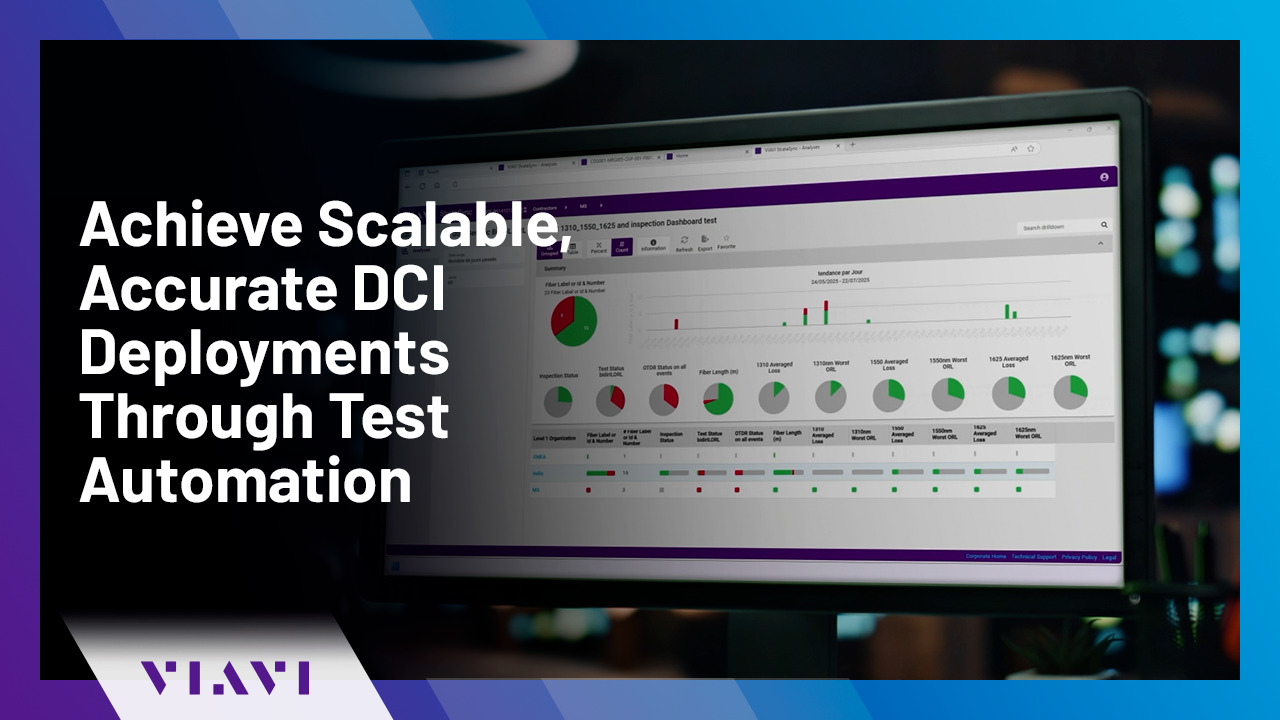
Play video Achieve Scalable, Accurate DCI Deployments Through Test Automation
Achieve Scalable, Accurate DCI Deployments Through Test Automation
Discover how VIAVI’s test automation solution—featuring integrated bidirectional OTDR and CD/PMD testing—streamlines Data Center Interconnect jobs by automating fiber inspection, testing, reporting, and analysis for faster, right-first-time deploymen
2:25
-
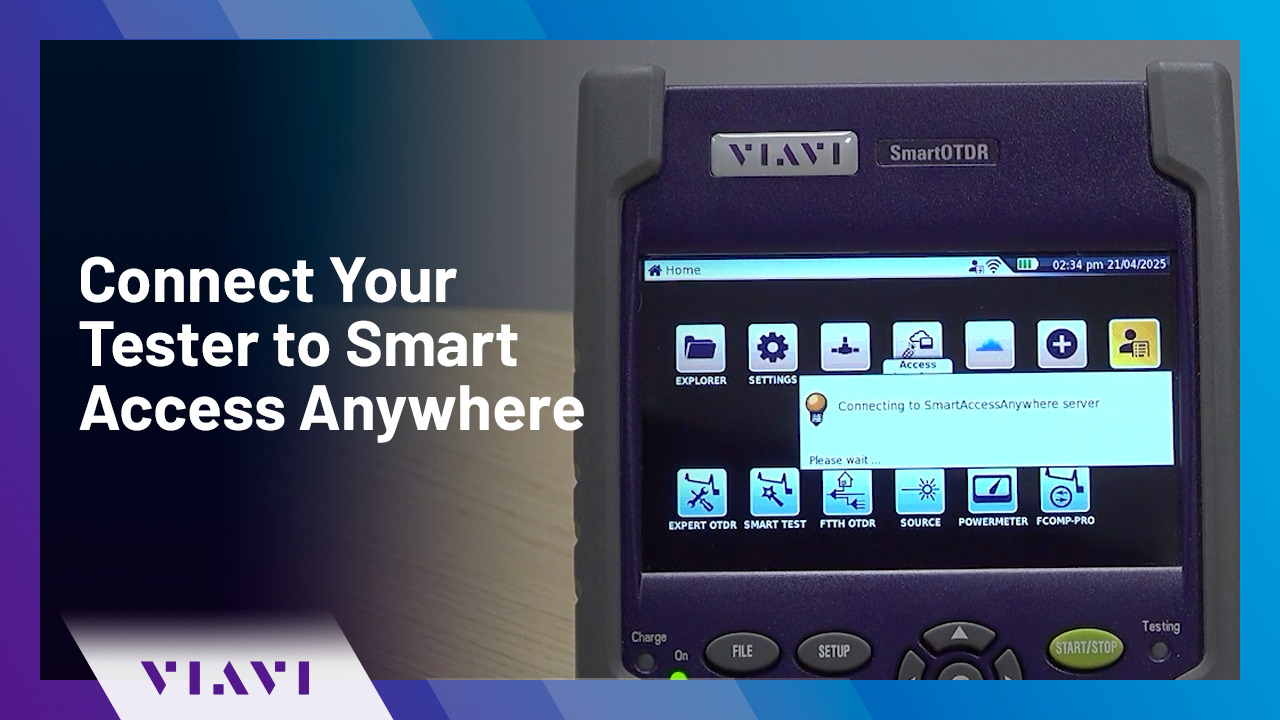
Play video Connect Your Tester to Smart Access Anywhere | VIAVI StrataSync
Connect Your Tester to Smart Access Anywhere | VIAVI StrataSync
Follow these simple steps to connect your VIAVI tester to Smart Access Anywhere on PC, tablet, or smartphone.
0:44
-
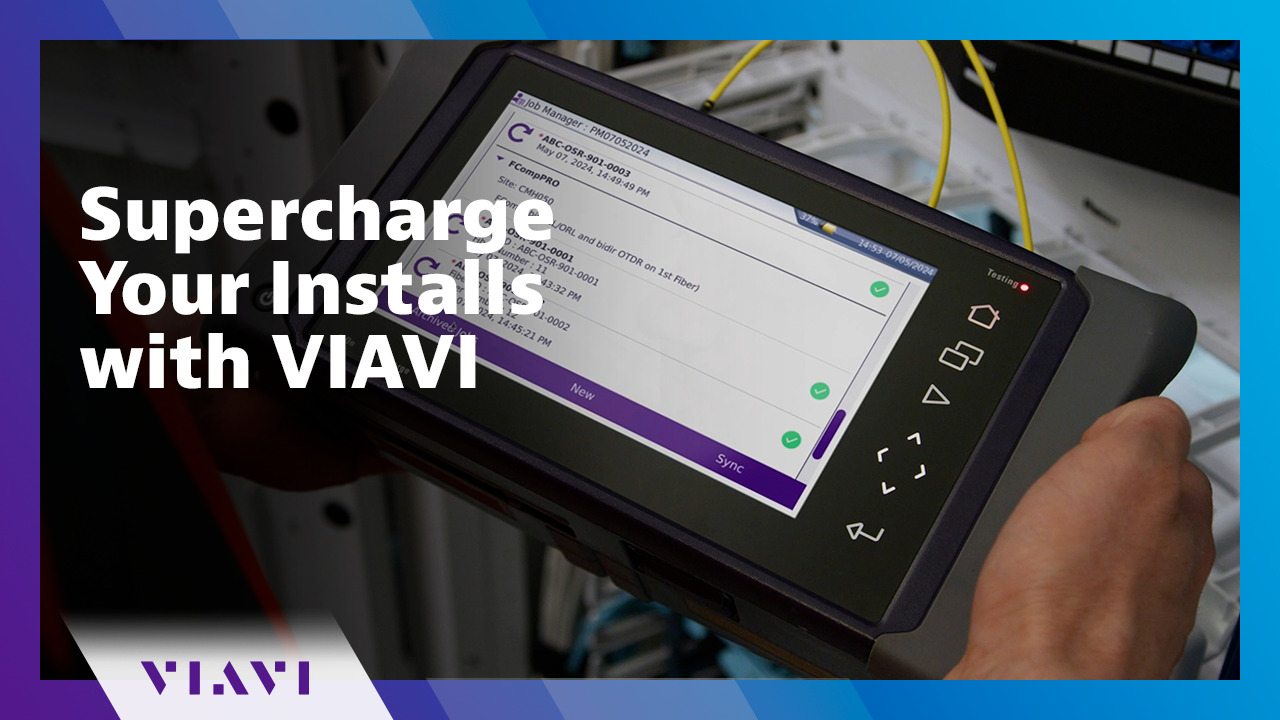
Play video Supercharge Your Installs with VIAVI
Supercharge Your Installs with VIAVI
Simplify your testing and supercharge your installs with VIAVI. Automate and accelerate data center deployments with improved quality, streamline security clearance, and minimize costs. viavisolutions.com/supercharge
0:55